Multi-colour and registration
One design, several foil colours: each layer has its own colour, every colour is cut separately and registration marks make the layers line up exactly.
Text layers and shapes
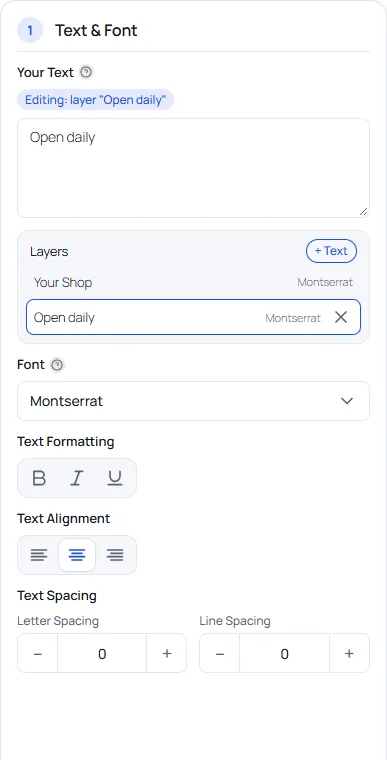
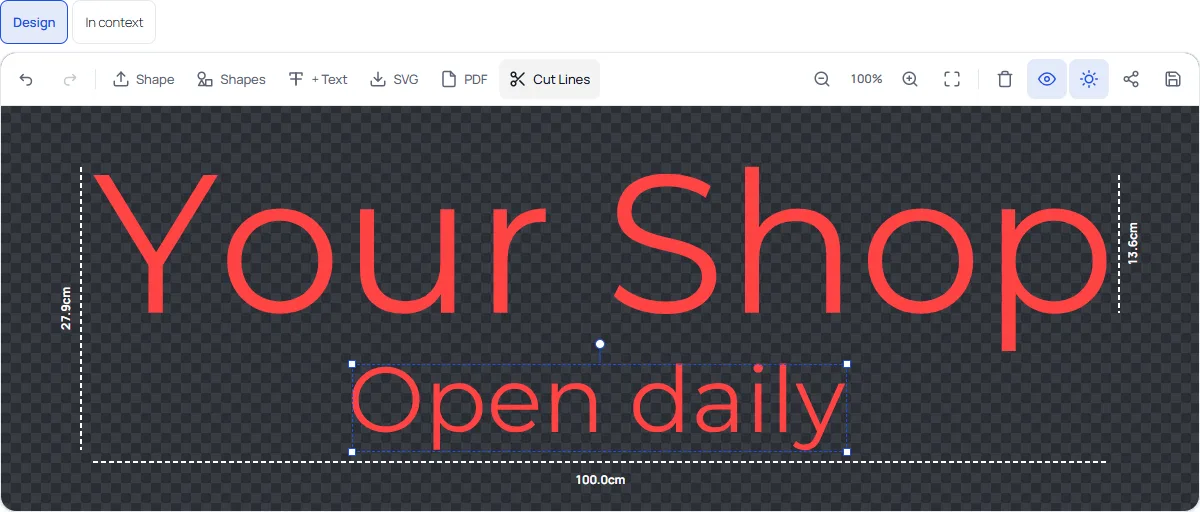
The customer adds extra text layers with + Text and shapes from the shape library or their own SVG. Each layer has its own text, font, size and position, and the layer list sits under the text box.
A foil colour per layer
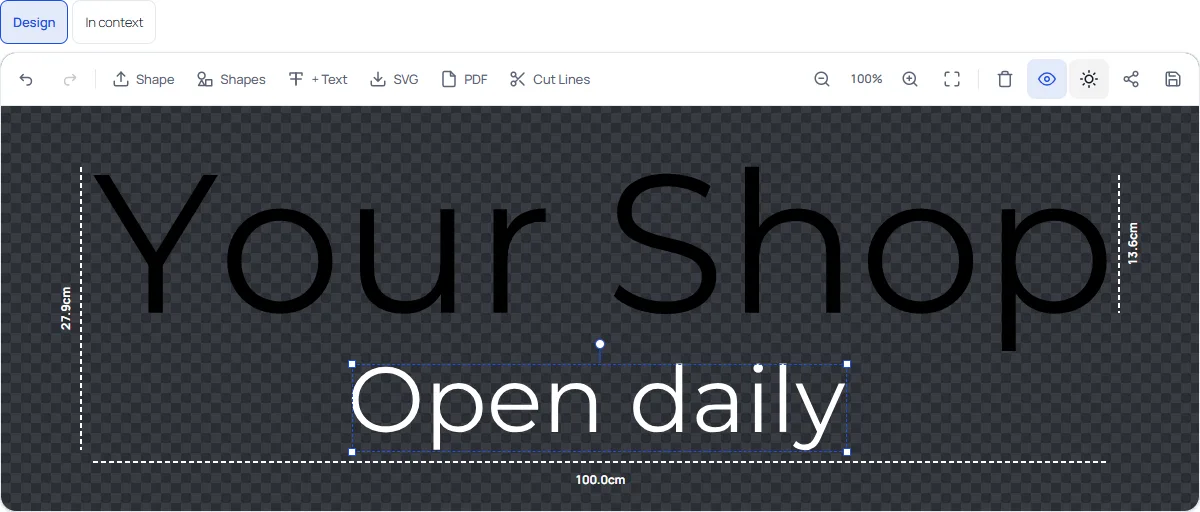
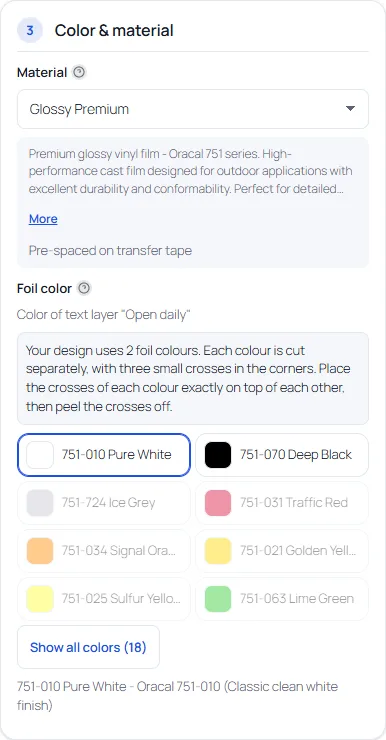
With a layer selected, the foil colour choice applies to that layer (the panel says “Color of text layer …”). Here the main text is black and the second layer is white, shown on the dark canvas.
Colours with a price effect of their own (a surcharge per dm² or a fixed price increase on the colour) can only be used for the main text. A layer can use colours without a price effect. They show as unavailable for layers, with the title “Only for the main text (extra charge)”.
Surcharge per extra colour
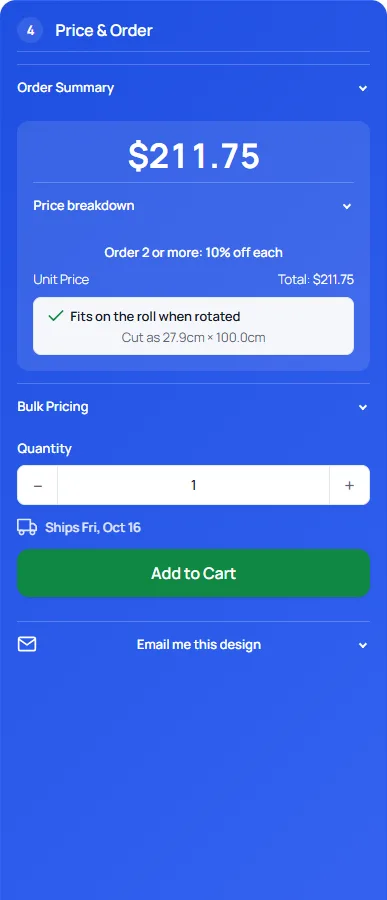
Every foil colour beyond the first costs extra work. Under Settings → Pricing → Multi-colour designs you can charge a fixed amount per piece for each additional foil colour (0 = no surcharge). The quantity discount applies to it, the minimum price does not swallow it, and rush applies on top. See the worked example in the pricing guide. The order summary and the price breakdown list the extra foil colours.
Registration marks
When a design uses more than one foil colour, every colour is a separate cut. To make the layers land exactly on top of each other, each colour layer gets registration marks: three small crosses in the corners, in the same place on every layer. The designer tells the customer: place the crosses of each colour exactly on top of each other, then peel the crosses off. Each layer also gets a weed box.
What the workshop gets
On the order, a multi-colour item has one SVG per foil colour, labelled with the layer number and the colour, with the weed box and the registration marks. See the production files guide. The plugin does not talk to a cutting machine: you open each SVG in your cutting software and cut it on the right roll.
Switches
- Foil colour per layer (Settings → General → Multi-colour designs): off, and every layer uses the main foil colour.
- Registration marks: on or off for the cut files and the customer SVG.
- Surcharge per extra colour (Settings → Pricing): on or off, with the amount.
Running a workshop with many multi-colour jobs? Pro keeps them organised after the order: production board and job sheets.